A builder’s material list
Handed over at the counter, emailed, or photographed on site. The counter team forwards it and carries on serving; a typical request is ready for review in 3–8 minutes, with the lines that need a decision marked.
Builders’ merchants
Builders’ merchant quote automation turns a builder’s material list, a quantity surveyor’s schedule or an email from site into a draft quote from your own catalogue. ERP Agent reads heavyside and lightside lines in the trade’s shorthand, identifies the right product for each, scores every match from 0 to 100 and, with your ERP connected, prices it on the builder’s trade account. Your branch team reviews and sends.
A builder hands a list across the trade counter, or sends a photo of it from the van. A site manager emails a dozen lines typed on a phone, half of them abbreviations. A quantity surveyor sends the schedule for a block of twelve houses as a spreadsheet, a bill of quantities running from substructure to second fix, and wants a price before the tender goes in.
One enquiry crosses the whole yard. Heavyside lines (bricks, blocks, aggregates, cement, drainage) sit next to lightside lines (timber, sheet materials, plasterboard, insulation, fixings), each in its own unit: lengths, sheets, bags, packs, bulk bags and rolls. Someone has to turn every line into one of your product codes and price it on that builder’s account. According to our case study, a sales rep spends on average 4–7 minutes per line when creating quotes and orders by hand. At that rate a 150-line schedule is 10 to 17.5 hours of desk work, fitted in between customers at the counter, and the same schedule has often gone to other merchants as well. The quote cost calculator turns your own line volume into hours.
| The builder writes | How ERP Agent handles it |
|---|---|
| “4x2 C24 4.8”, “6x2 reg treated 3.6” | Reads the imperial name as your metric section; the grade, treatment and length on the line keep C16 and C24, 3.6 and 4.8 m apart. |
| “18 OSB3 8x4”, “12.5 MR board 2400x1200” | Reads the thickness, board type and sheet size from the line; a board that contradicts a stated thickness or size drops down the list. |
| “Multi finish 25kg x 20”, “ballast bulk bag x 4” | The bag weight or “bulk bag” on the line tells the 25 kg bag, the bulk bag and the loose load of the same material apart. |
| “100 PIR 2400x1200, Brandex or equivalent” | A brand you do not carry points to your own equivalent through the cross-reference data set up for your company, and the builder’s wording stays on the line. |
| The builder’s own code, or the wording from last month’s quote | Learned from your past quotes and from every line your team sends: the next time it is written the same way, the agent picks the same product. |
| One code for a fixed pack, such as a first-fix pack per house type | Set up that code once with its contents, and the agent expands it into the fixed catalogue lines. |
| “Lintels as per engineer’s schedule” | Nothing on the line identifies a product, so it goes on your placeholder code with the builder’s wording kept, never a guess. |
Wherever the enquiry lands in the branch, it takes the same route: forwarded to your company’s agent mailbox, or dropped into the web app.
Handed over at the counter, emailed, or photographed on site. The counter team forwards it and carries on serving; a typical request is ready for review in 3–8 minutes, with the lines that need a decision marked.
A spreadsheet or PDF of several hundred lines. Long schedules are split into batches that run in parallel and take about half an hour, and the run starts once a user approves it.
A dozen lines typed on a phone, in shorthand. Fast mode handles requests of up to about 50 lines in 1–3 minutes, so the rep can check the draft and reply while the job is still being priced.
When the builder comes back with a purchase order or a call-off, the rep chooses sales order instead of quote, and the same product identification applies. See order entry automation.
It is the workflow behind AI quote automation for distributors, set up on your own catalogue and customer accounts.
A branch forwards the email to your company’s agent mailbox, or drops the files into the web app. The agent reads the body and the attachments: PDF (scanned too), Excel, CSV, Word and images. See email to ERP.
The agent identifies the builder in your customer accounts and alerts the rep when no account matches. The site address is tidied, a missing postcode filled in, and an address that differs from the one in your ERP is flagged.
Wording your team has confirmed before goes to the same product again. Other lines are matched by size, grade, material and description, and the numbers on the line keep neighbouring sizes, lengths and pack sizes apart. With sales history, what this builder usually buys ranks higher.
A second check you can switch on sends wrong matches back before you see them and, with accessory rules set up for your company, reminds the rep of a likely accessory, such as joint tape with plasterboard. A line the agent cannot place goes on your placeholder code instead of a guess.
With your ERP connected, prices come from its own price logic, the builder’s discounts included, and stay editable in review. A rep approves, product codes are checked against the ERP, and the quote or sales order is written to your ERP, CRM or other system.
A builder on a trade account emails one list covering two jobs. Prices are left out here; in a real draft they come from your ERP’s pricing for this builder.
“Morning, can you price the below for Cedar Close, delivered Thursday if poss. Account as usual.”
| List line | Proposed product | Qty | Match | Note |
|---|---|---|---|---|
| 6x2 C24 4.8 | C24 regularised carcassing 47×150 mm, 4.8 m | 30 | 95 | “6x2” read as 47×150; grade and length stated. |
| 22 P5 T&G 2400x600 | Chipboard flooring P5, 22 mm, tongue and groove, 2400×600 mm | 40 | 94 | Thickness, grade and edge stated. |
| 100 PIR 2400x1200 Brandex or equiv | PIR insulation board 100 mm, 2400×1200 mm, from your stocked range | 24 | 84 | Brandex is not stocked; your equivalent comes from the cross-reference data. |
| Multi finish 25kg | Multi-finish plaster, 25 kg bag | 20 | 96 | Product and bag weight stated. |
| Ballast 25kg bags | Ballast 20 mm, 25 kg bag | 40 | 91 | Bag, not bulk bag: the weight on the line decides. |
| 110 underground pipe 3m | Underground drainage pipe 110 mm, 3 m, plain ended | 12 | 82 | The socketed pipe is kept as an alternative. |
| Red multi facings 65mm | Facing brick 65 mm, red multi | 2 packs | 58 | Three red multi bricks in the catalogue; marked for the rep to confirm which. |
| Lintels as per engineer’s schedule | Placeholder code | – | 0 | No schedule attached; held for the rep instead of a guess. |
Illustrative example: the list, products, brand and scores are invented to show how the review screen explains each line.
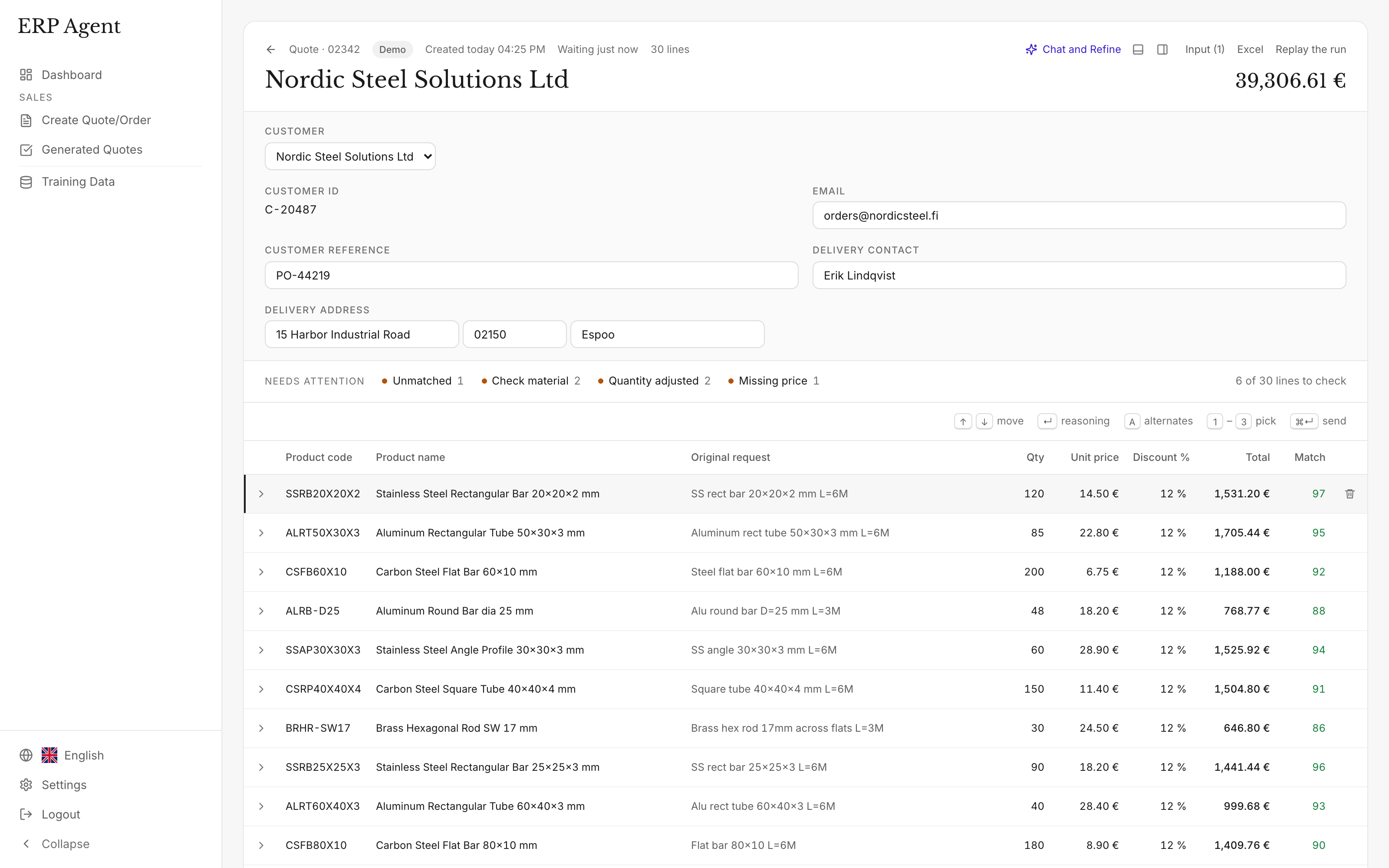
ERP Agent is not a merchant system and does not replace one. Your products, units, account terms and rebates stay in the builders’ merchant software you already run, and the agent works from them. It does the part of the job that software leaves to people: reading what the builder wrote and deciding which of your products each line means.
ERP Agent integrates with Kerridge K8, now Klipboard ERP One, Intact iQ, now GenetiQ, Epicor BisTrack, Sage 200, Business Central and any other ERP or CRM. We set up the connection for your company during onboarding, and you can start with a catalogue file the same week.
Timber and sheet lines are covered in more depth for timber merchants and lumber distributors. Plumbing and heating lines follow the same path as at plumbers’ merchants, cable and wiring accessories as at electrical wholesalers, and screws, nails and anchors as at fastener distributors.
The approved quote or sales order is created in the ERP, CRM or other system your branches already use, with prices from its own price logic. Enquiries arrive through Microsoft 365 / Outlook. See all ERP and email integrations.
| System | Type | Reads | Writes |
|---|---|---|---|
| Dynamics 365 Business Central | ERP integration | Items, customers, customer prices | Sales quotes and sales orders |
| SAP S/4HANA | ERP integration | Products, business partners, customer prices | Sales quotations and sales orders |
| SAP Business One | ERP integration | Items, business partners, price lists | Sales quotations and sales orders |
| NetSuite | ERP integration | Items, customers, customer prices | Estimates (quotes) and sales orders |
| Dynamics 365 Finance & Supply Chain | ERP integration | Released products, customers, trade agreement prices | Sales quotations and sales orders |
| Visma | ERP integration | Items, customers, customer prices | Quotes and sales orders |
| IFS | ERP integration | Sales parts, customers, customer prices | Sales quotations and customer orders |
| Monitor ERP | ERP integration | Parts, customers, customer prices | Quotes and customer orders |
| Infor M3 | ERP integration | Items, customers, customer prices | Quotations and customer orders |
| Exact | ERP integration | Items, customers, sales prices | Quotations and sales orders |
| AFAS Profit | ERP integration | Items, debtors, price agreements | Quotes and sales orders |
| Odoo | ERP integration | Products, customers, pricelists | Quotations and sales orders |
| Sage | ERP integration | Items, customers, customer prices | Sales quotes and sales orders |
| Epicor Prophet 21 | ERP integration | Items, customers, customer prices | Quotes and sales orders |
| Epicor Eclipse | ERP integration | Items, customers, customer prices | Bids and sales orders |
| Epicor Kinetic | ERP integration | Parts, customers, price lists | Quotes and sales orders |
| Acumatica | ERP integration | Items, customers, customer prices | Quotes and sales orders |
| Infor CloudSuite Distribution | ERP integration | Items, customers, customer prices | Quotes and sales orders |
| Kerridge K8 / Klipboard ERP One | ERP integration | Items, customers, customer prices | Quotes and sales orders |
| Intact iQ / GenetiQ | ERP integration | Items, customers, customer prices | Quotes and sales orders |
| Dynamics NAV | ERP integration | Items, customers, customer prices | Sales quotes and sales orders |
| SAP ECC | ERP integration | Materials, customers, customer prices | Sales quotations and sales orders |
| Jeeves | ERP integration | Items, customers, customer prices | Quotes and sales orders; confirmed values on purchase orders |
| Lemonsoft | ERP integration | Items, customers, customer prices | Quotes |
| Microsoft 365 / Outlook | Email integration | Customer requests in the agent mailbox; email history for training | Nothing is sent to customers without your team |
| Catalogue file / SFTP | File | Product catalogue from a file, from the first week | The reviewed quote or order as a file, ready to import into your system |
| Any other ERP or CRM | ERP or CRM integration | Products, customers and prices, through the connection we set up for your company during onboarding | Quotes and sales orders |
AI for builders’ merchants earns its place on the quote desk first, because that is where the hours go and where the first accurate price has the best chance of the order. Useful AI there works from your own catalogue and trade account pricing, shows its reasoning on every line and leaves the decision with your team.
Start with the enquiries your branches find slowest: the long schedule, the list that crosses every department. A pilot runs on your own catalogue and past quotes, and branches forward real enquiries to the agent mailbox while the ERP connection is set up. ERP Agent is live with steel, HVAC and fastener distributors; the LVI-WaBeK case covers building services wholesale. Plan the test with the AI quote agent pilot checklist, and see what a slow answer costs in quote turnaround time.
Software that turns a builder’s enquiry into a draft quote from your own catalogue: each line matched to one of your products, heavyside and lightside alike, and priced on the builder’s account once your ERP is connected. A member of your team reviews the draft before it lands in your ERP, CRM or other system.
Yes. Schedules arrive as Excel or PDF, scanned PDFs included. A request of several hundred lines takes about half an hour, split into batches that run in parallel once a user approves the run, and the rep starts with the lines marked under 80.
A brand you do not carry points to your own equivalent through the cross-reference data set up for your company, and the builder’s wording stays on the line. Where more than one of your products could fit, the line stores alternatives the rep can take instead.
Yes. ERP Agent integrates with Kerridge K8 (now Klipboard ERP One), Intact iQ (now GenetiQ), Epicor BisTrack, Sage 200, Business Central and any other ERP or CRM. We set up the connection for your company during onboarding, and you can start with a catalogue file the same week. See Kerridge K8, Intact iQ and all integrations.
Yes. With your ERP connected, prices come from the ERP’s own price logic, the builder’s discounts included, and the rep can change any price before the quote goes out.
Both. Anyone in the branch can forward an enquiry to the agent mailbox or paste it into the web app. Every customer gets unlimited users, so the counter, the sales office and estimating all work from the same drafts.
Bring a few lists your branches have already quoted, a long schedule included, and we run them against your catalogue. No integration is needed to start. Pricing is a setup fee plus a monthly subscription set by line volume, itemised before you start; see how pricing works. ERP Agent is GDPR-compliant and models run with zero data retention; see security and data.
Let’s look at your quote workflow
Book a 30-minute call and bring an enquiry your branches found slow to quote, a quantity surveyor’s schedule included.

Founder & CEO
Book a 30-minute call Request a demo by emailOr use the address directly